

Download Tidy Browser Button – Firefox width‑adjuster, desktop‑friendly tool
Overview
Tidy Browser Button is a lightweight Firefox extension that lets you shrink the browser window to a precise 800 px or 1024 px width with a single click. The idea behind the tool is simple yet powerful: many users work with multiple applications side‑by‑side and find a full‑screen browser overwhelming. By clicking the button once you get an 800‑pixel‑wide pane, twice you get a 1024‑pixel pane, and the height automatically snaps just below the current desktop area.
This keeps the rest of the screen visible for emails, spreadsheets, or instant messaging, dramatically improving multitasking efficiency. The extension is not meant for developers testing responsive layouts; instead it targets everyday users who want a tidier workspace without sacrificing quick access to web content. After installation you must restart Firefox, then drag the new button to any toolbar location you prefer.
The defaults can be tweaked in an options panel, allowing you to change the height offset, switch between pixel values, or even define a custom width. Because the button lives directly in the browser UI, you never need to juggle external window‑manager shortcuts or manually resize the window. The result is a smoother workflow, especially on laptops or dual‑monitor setups where screen real‑estate is at a premium.
Features & How It Works
- One‑click resize to 800 px width
- Two‑click resize to 1024 px width
- Automatic height adjustment just below the OS desktop area
- Customizable defaults via an easy‑to‑use options panel
- Drag‑and‑drop placement on any Firefox toolbar
- Zero‑impact on browser performance – lightweight JavaScript only
- Supports Windows, macOS, and Linux installations of Firefox
- Secure, open‑source code with regular updates from the developer
The inner mechanics of Tidy Browser Button rely on Firefox’s WebExtension APIs. When you press the button, a background script calculates the current screen resolution, then applies a CSS‑based window resize command that forces the browser’s outer width to the selected pixel count. The height is derived from the screen’s work area (the portion not occupied by the taskbar or dock), ensuring the window never overlaps critical OS UI elements.
Users can open the options page to change the preset widths, adjust the vertical offset, or disable the automatic height feature if they prefer a fixed size. Because the extension works at the browser level, it remains functional across different operating systems and works with Firefox Quantum and later versions. The code is signed by Mozilla, guaranteeing a secure installation without the risk of malicious scripts.
Frequent updates address minor bugs, such as occasional mis‑alignment on high‑DPI displays, and introduce small quality‑of‑life improvements like a hotkey for instant resizing.
Installation, Usage & Compatibility
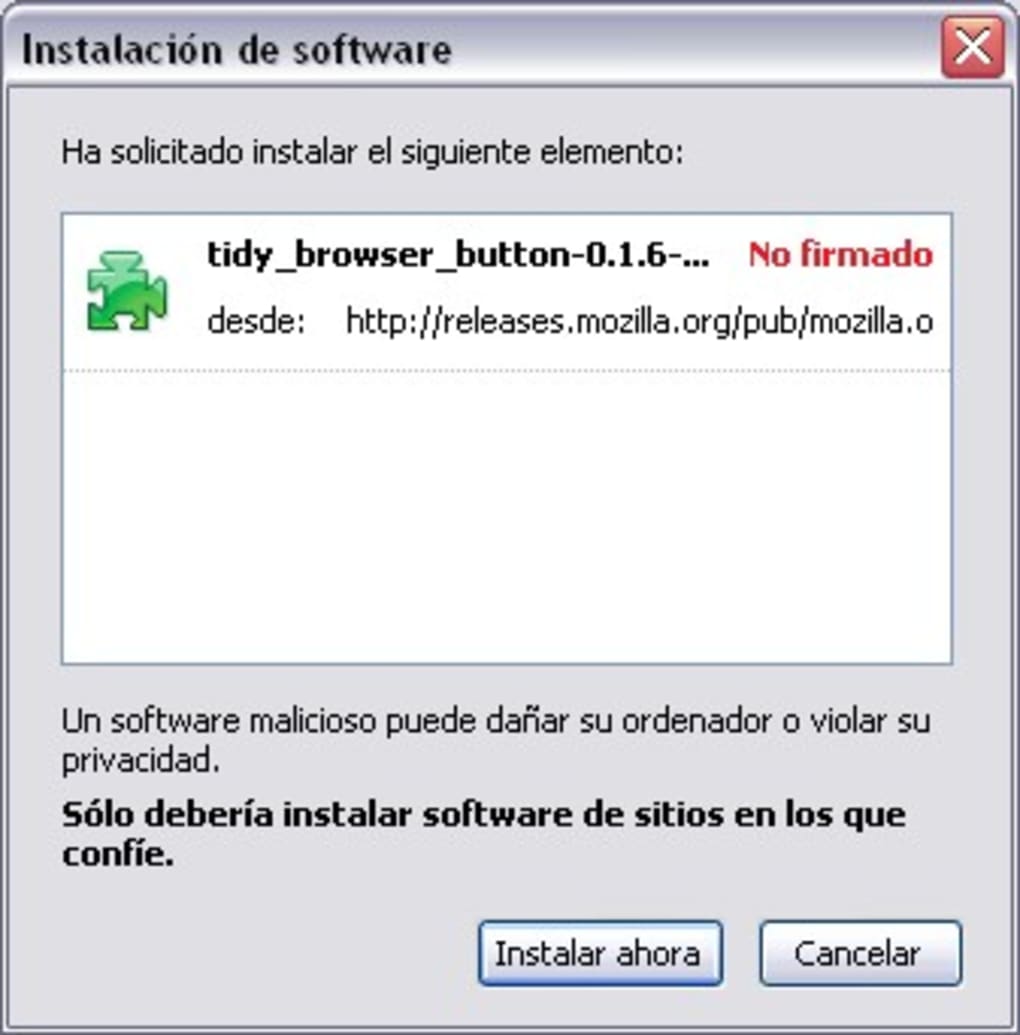
Getting Tidy Browser Button up and running is straightforward. First, visit the official Mozilla Add‑ons page and click the “Add to Firefox” button. After the download completes, Firefox will prompt you to confirm the installation; click “Add” and then “Okay”.
The browser will request a restart – simply close all Firefox windows and reopen them. Once the restart finishes, you’ll notice a new icon on your toolbar (you can move it by dragging). To use the tool, click the icon once for an 800‑pixel width or twice for 1024 px; the window will instantly resize while preserving the current tab and scroll position.
If you need to change the default behavior, right‑click the button and select “Options”. Here you can edit the width values, set a custom height offset, or disable the auto‑height feature entirely.
Tidy Browser Button is compatible with all mainstream operating systems that support Firefox: Windows 10/11, macOS Big Sur and later, and major Linux distributions (Ubuntu, Fedora, Debian, etc.). The extension requires Firefox version 78 or newer, as it leverages the WebExtension framework introduced in that release. Because the tool only manipulates the browser window, it does not interfere with other applications, making it safe for use on corporate or education networks. The add‑on is free, open‑source, and receives regular security patches through Mozilla’s review process. Users should ensure that automatic updates are enabled in Firefox to receive the latest fixes without manual intervention.
Pros, Cons, FAQ & Conclusion
Pros
- Instant, precise resizing without manual dragging
- Improves multitasking by keeping the desktop visible
- Lightweight and does not slow down Firefox
- Highly customizable through an options panel
- Free, secure, and regularly updated
Cons
- Limited to two preset widths (800 px and 1024 px)
- Requires a browser restart after initial installation
- Not suitable for developers needing responsive testing at many breakpoints
- Functionality is tied to Firefox only; no Chrome or Edge version
Frequently Asked Questions
Do I need to restart Firefox every time I use the button?
No. The restart is only required after the initial installation. Once the button is added, you can resize the window as many times as you like without further restarts.
Can I add custom widths beyond 800 px and 1024 px?
Yes. In the Options panel you can edit the preset values to any pixel width you prefer, then assign a keyboard shortcut if desired.
Is the extension safe for corporate environments?
Absolutely. Tidy Browser Button is signed by Mozilla, reviewed for security, and does not collect any personal data. It only changes window dimensions.
Will the button work on high‑DPI (Retina) displays?
The latest updates include DPI‑aware calculations, so the button scales correctly on Retina and other high‑resolution screens.
Can I move the button to a different toolbar after installation?
Yes. Simply click and drag the icon to any visible toolbar area, or use Firefox’s “Customize Toolbar” mode for more placement options.
Conclusion & Call to Action
If you often find yourself juggling a full‑screen Firefox window and a cluttered desktop, Tidy Browser Button offers a simple, no‑frills solution that instantly restores balance. By reducing the browser to a manageable 800 px or 1024 px slice, you keep essential desktop apps within sight, cut down on window‑management time, and boost overall productivity. While power users may crave more granular control, the extension’s ease of use, security guarantees, and cross‑platform compatibility make it an excellent addition for most everyday Firefox users. Ready to tidy up your workflow? Click the download link below, add the button to Firefox, and experience a cleaner, more efficient desktop in seconds.
Pros: quick resizing, lightweight, customizable.
Cons: limited preset sizes, Firefox‑only.







